Fixing OpenRocket Glitch
A couple days ago I ran into an issue while setting up OpenRocket on my Windows 11 Desktop. If you don’t know what OpenRocket is, it’s a great software and tool for simulating rocket flights. But as powerful as it is, it can be a bit difficult to work with.
The Glitch
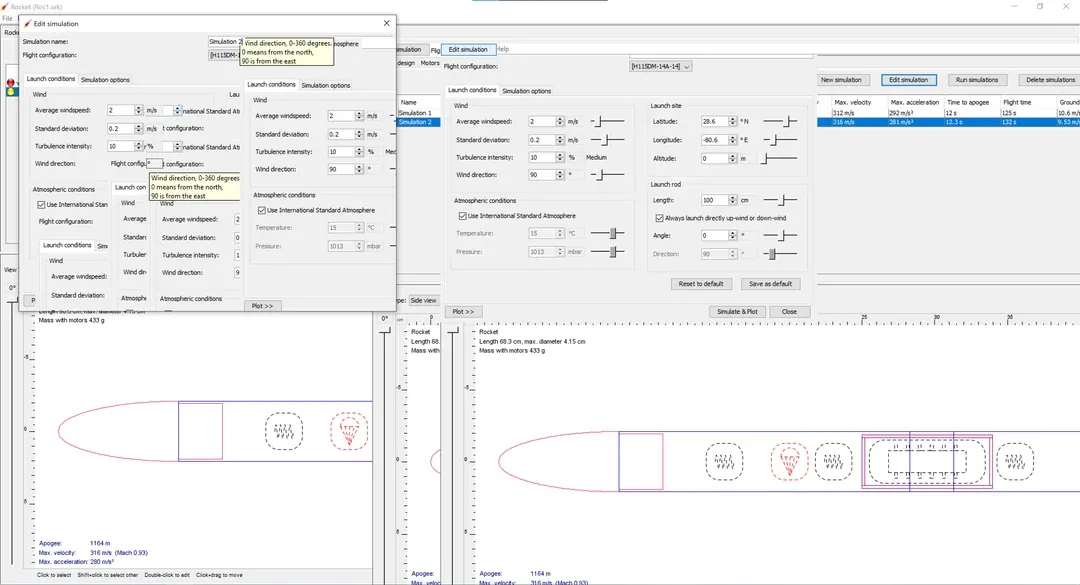
Wherever I moved my mouse, the UI would start duplicating, like images of the buttons and menus just following my cursor. It made it completely unusable. I first thought it was a java issue, so I started troubleshooting.
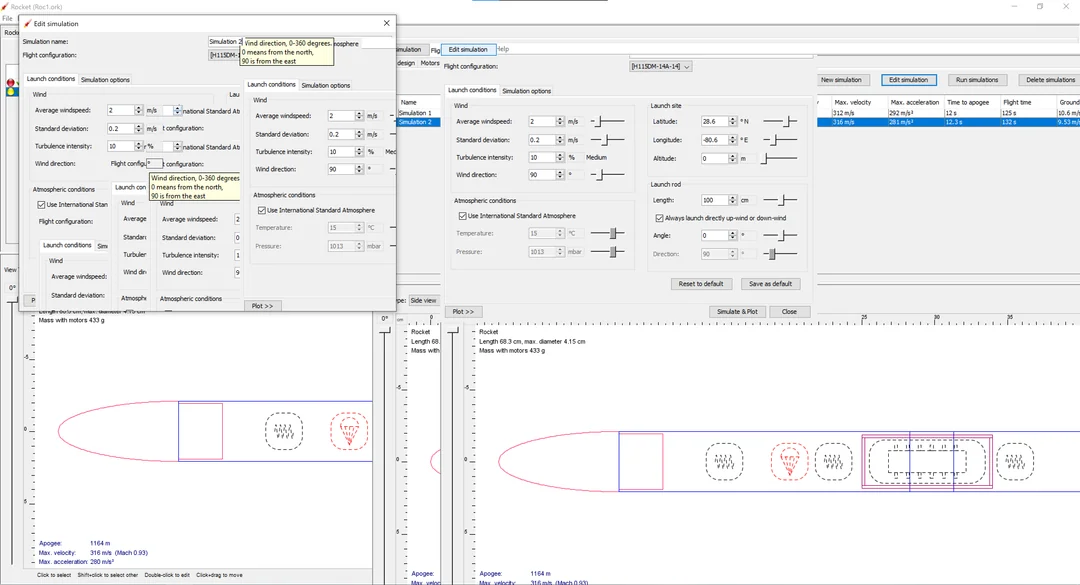
Screenshot originally shared on the r/OpenRocket subreddit. Many thanks to the community for documenting this issue! (I forgot to take a screenshot of the glitch from my end)
What I tried
- Installed the latest Java (All the way up to Java 21)
- Tried running the .jar from CMD
- Re-downloaded different version of the software.
- Adjusted display settings
- Moved the file through various folders
- Searched through community threads, forums, and google searches.
At one point, I even considered downgrading Java based on some advice online.
What worked
I decided to go through the OpenRocket GitHub. There, I noticed a beta release of a newer version of the software, and I figured it was worth a try.
To my surprise the beta version worked flawlessly.
The UI glitch disappeared entirely, and all dropdowns functioned as expected. The application was finally usable without any visual interference.
This was a good reminder that software bugs, are often addressed in newer builds before they make it to stable releases.
If you encounter similar UI issues with OpenRocket, consider checking the official GitHub and trying a recent version. It might save you hours of trial and error. Thanks for reading!